Announcement Widget: 100% Thumbnail View for HTML Descriptive Announcements

Announcement Types
When creating a new announcement under Setup > Announcements, two primary options are provided:
Popup Toggle
When enabled (Yes), the announcement appears as a popup on the dashboard upon user login.

Announcement Type
HTML Descriptive
Supports rich text formatting
Allows thumbnail image upload
Displayed within the announcement widget
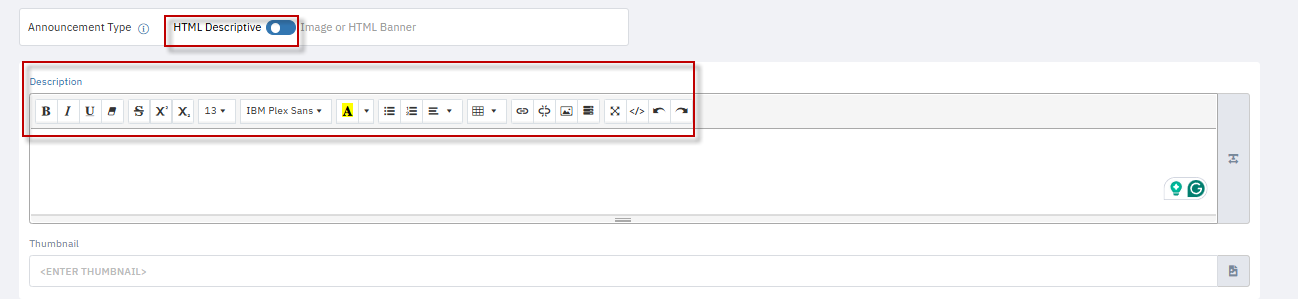
Image/Web Banner
Simple banner image format
Not displayed in the announcement widget
No thumbnail support

How the Widget Displays HTML Descriptive Announcements
Once the HTML Descriptive announcement is created and activated:
It appears in the Announcement Widget on the dashboard.
Each announcement entry in the widget displays:
Title in bold
Thumbnail image
Short description
“Read more” link to view full content
Associated filters (if any)
Users can scroll or shuffle through multiple announcements using the widget’s built-in carousel.
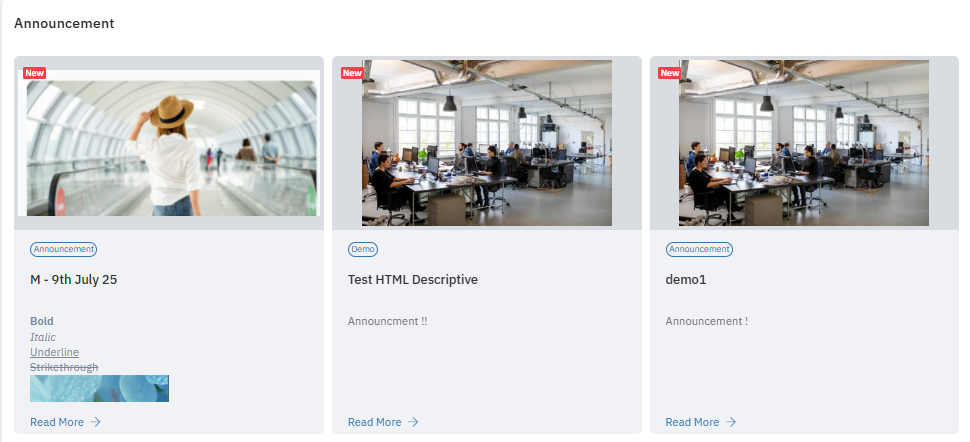
Only HTML Descriptive announcements with thumbnails are supported in the widget. Web banner/image types are excluded.
Admin Configuration: Adding Announcements to the Widget
Only Admin users can configure announcements to appear in the widget:
Navigate to Dashboard Settings (Setup> Dashboard Setting).
Under the Announcement section, a list of available HTML Descriptive announcements is shown.
Select the desired announcement and click Add.
Save the configuration.
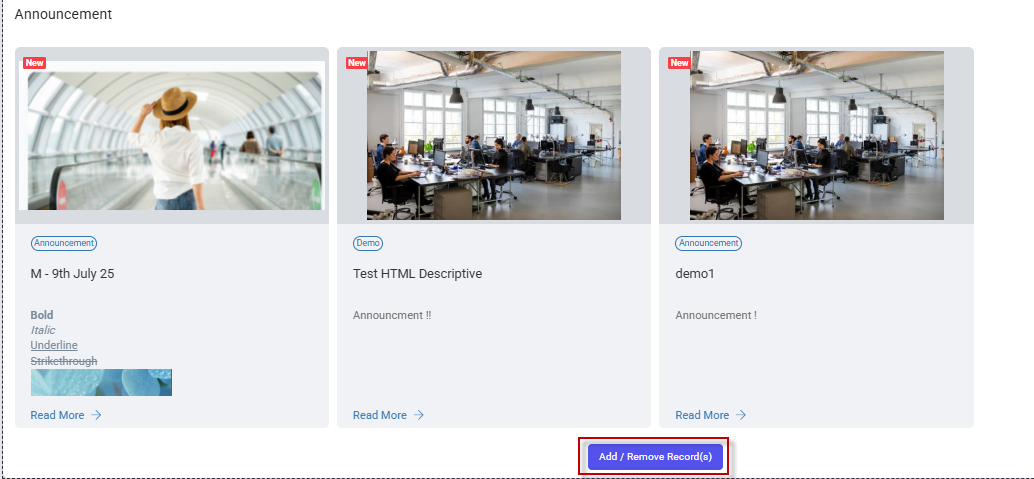
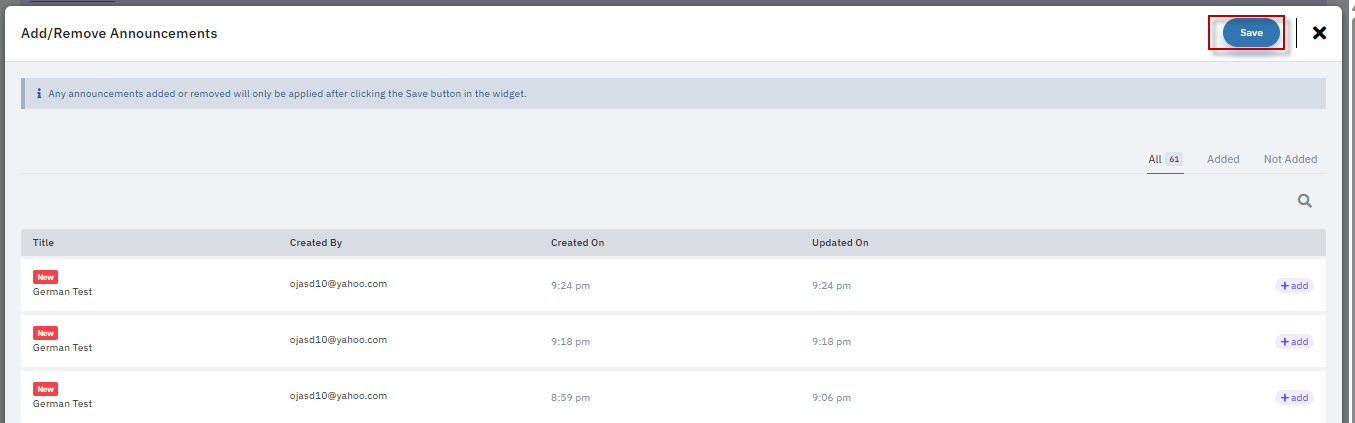
Announcements can be added, removed, and reordered at any time.

Conclusion